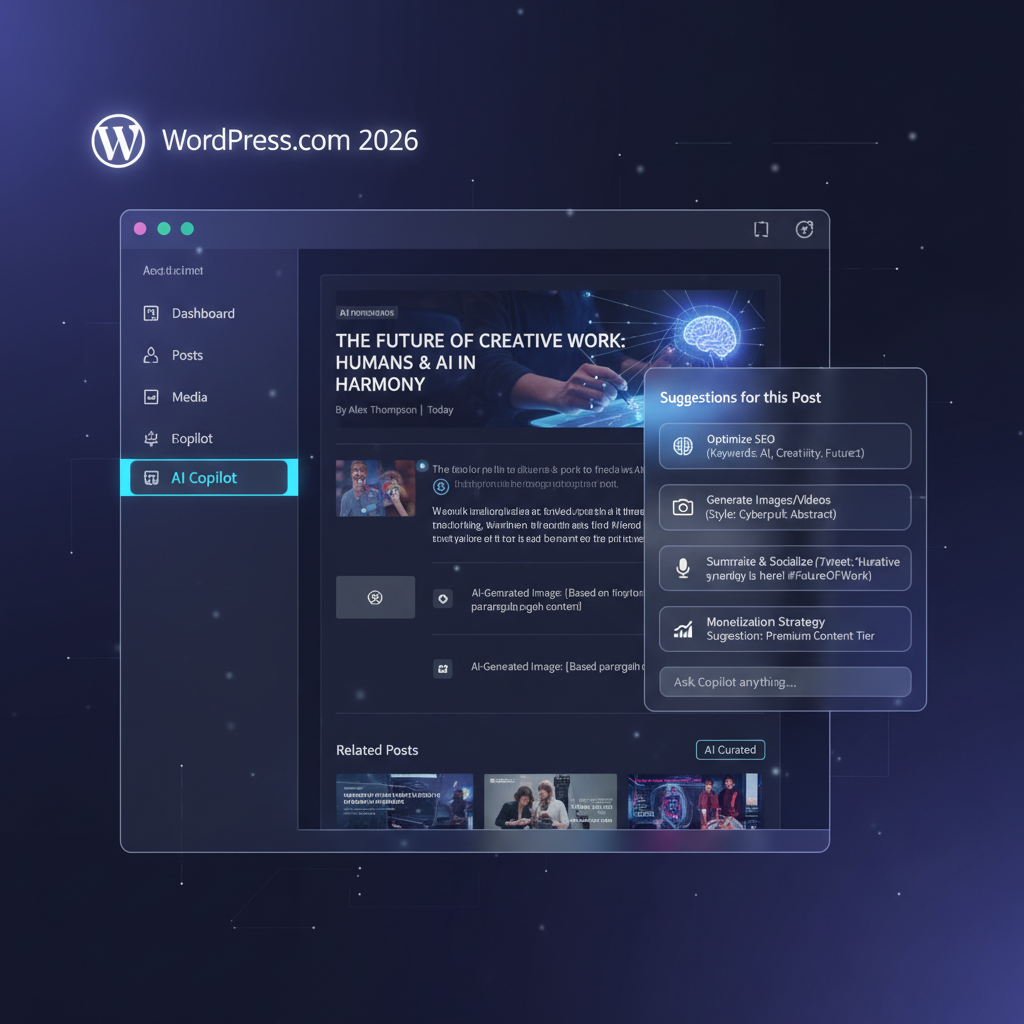
WordPress.com Review: A Blogger’s Dream or Outdated?
WordPress.com is a hosted website builder that provides an all-in-one solution for creating a web presence. Celebrated for its powerful blogging tools, it faces stiff competition from modern site builders like Wix and Squarespace. This review breaks down its core features, pricing, and limitations to help you decide if it’s the right platform for your project.
What is WordPress.com? The Ultimate Blogging Platform
At its heart, WordPress.com is a world-class Content Management System (CMS) designed for writers and content creators. If your primary goal is blogging, its interface for writing, editing, scheduling, and organizing posts is second to none. The platform is engineered to make publishing high-quality content as seamless as possible.
Key strengths for bloggers include:
- Superior Editor: The block editor is powerful for structuring long-form articles with various media types.
- Content Organization: Effortlessly manage content with sophisticated tagging and categorization systems.
- Professional Themes: Access a wide selection of themes designed to showcase written content beautifully, with many free options available.
While often confused with its open-source counterpart, WordPress.org, WordPress.com is a fully managed service. This means it handles all the technical aspects of web hosting, security, and maintenance for you, making it a true no-code business tool for getting online quickly.
WordPress.com Pricing vs. Competitors
WordPress.com offers a flexible pricing structure that scales from a hobby blog to a full-fledged online store. However, understanding the trade-offs at each level is crucial, especially regarding cost and features like plugins.
The plans generally break down as follows:
- Free: Includes core blogging tools but comes with WordPress.com branding and a subdomain (e.g., yoursite.wordpress.com).
- Personal: Allows you to connect a custom domain name and removes most WordPress ads.
- Premium: Unlocks advanced design customization, basic monetization tools, and more storage.
- Business: The most critical tier for advanced users. It allows the installation of third-party plugins, a key feature that unlocks limitless functionality.
- Commerce: Provides a full suite of e-commerce tools for building an online shop.
The biggest limitation is that access to the vast library of WordPress plugins is locked behind the pricey Business plan. This is a significant factor when comparing the total cost and flexibility against platforms like Squarespace, which often include more built-in features at lower price points.
The Trade-Off: Site Building and Customization Limits
The primary drawback of WordPress.com, especially on its lower-tier plans, is the page-building experience. While the block editor is great for articles, it can feel rigid and less intuitive for designing complex, custom page layouts. Users seeking a fluid, visual design process may find it frustrating compared to the seamless drag-and-drop editors of a modern business website builder like Squarespace or Wix.
This is where the platform shows its age. Creating visually unique homepages or landing pages often requires more workarounds and patience than on competing platforms built from the ground up for visual design. If your website’s success depends on intricate layouts and a highly customized aesthetic rather than just content, WordPress.com might feel restrictive.
Frequently Asked Questions (FAQ)
What is the main difference between WordPress.com and WordPress.org?
WordPress.com is a for-profit, hosted platform that provides an all-in-one website building and hosting service. It’s easier for beginners but offers less flexibility. WordPress.org is free, open-source software you must install on your own web hosting account. It offers complete control and customization but requires more technical management.
Is WordPress.com a good choice for beginners?
Yes, WordPress.com is excellent for beginners who want to start a blog or simple website without worrying about technical details like hosting and security. The setup is quick, and the interface for writing content is straightforward.
Can I run a business or e-commerce store on WordPress.com?
Absolutely. The Business and Commerce plans are designed specifically for this purpose. The Business plan lets you install plugins for advanced features (like booking systems or membership sites), while the Commerce plan provides robust tools for selling products online.
Conclusion: Who Should Use WordPress.com?
WordPress.com remains an unmatched choice for anyone whose primary focus is blogging or content publishing. Its world-class CMS, professional themes, and scalable infrastructure make it the ideal platform for writers, journalists, and content-heavy businesses. The “free forever” plan is also a fantastic entry point for new creators.
However, if your priority is building a visually complex website with a smooth, drag-and-drop site builder, you may find it limiting. For those users, alternatives like Squarespace will likely provide a more intuitive and flexible design experience. Your final decision depends on what you value more: a superior writing engine or an all-purpose visual design tool.