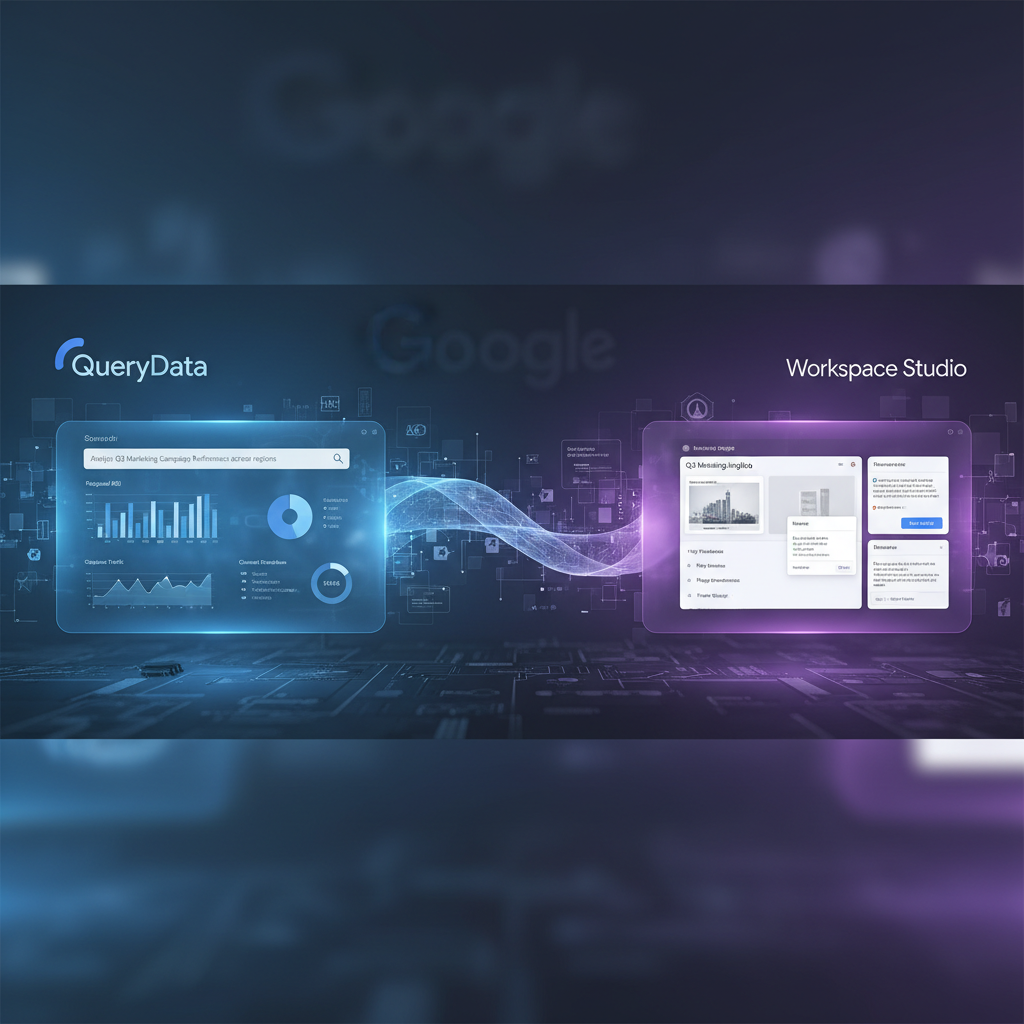
Google AI Agents: Guide to QueryData & Workspace Studio
Meta Description: Explore Google’s new AI agents. Our developer guide covers QueryData for reliable database queries and Workspace Studio for no-code automation. Integrate AI now.
Introduction
AI Agents are intelligent, autonomous systems designed to perform tasks on your behalf. Google is revolutionizing this space with two powerful tools: QueryData for developers demanding precision and Workspace Studio for users seeking easy automation. This guide explores how each tool works and who can benefit from this new wave of artificial intelligence.
For Developers: Ensuring AI Reliability with QueryData
In enterprise environments, especially those handling sensitive information, there is no room for AI error. QueryData, a new offering from Google Cloud, is a developer tool designed to guarantee that natural language requests are translated into perfectly accurate and reliable database queries. It acts as a critical validation layer between a generative AI model and your structured data.
The process requires an initial investment from development teams. Using the Gemini CLI, developers perform “context engineering,” where they define the data schema, table relationships, and unique business logic for the AI. This creates a set of guardrails for the AI agent. While this adds an upfront workload, it dramatically increases the reliability of the system at runtime, making it ideal for industries like finance and healthcare where query precision is paramount.
For developers looking to understand the core principles of building agents with Google’s underlying technology, this tutorial on Gemini provides a foundational overview.
For Users: No-Code AI with Workspace Studio
Google is also empowering non-technical users to build their own personal AI agents through Workspace Studio. This innovative, no-code platform is integrated directly into Google Workspace and is designed to eliminate repetitive digital tasks across apps like Gmail, Drive, and Chat. It allows anyone to create powerful custom automations without writing a single line of code.
The system is built around creating “flows,” which are automated workflows triggered by specific events. Each flow begins with a starter (e.g., receiving an email with “Invoice” in the subject) and then executes a series of predefined actions. This allows for seamless, background automation of everyday digital chores. As Google rolls out access, millions of users will be able to build their own productivity-boosting agents.
How to Build Your First Workspace Studio Agent
Workspace Studio provides three intuitive pathways for creating your automations, catering to different skill levels and needs:
- Use a Template: Start with a pre-built flow for a common task, such as saving attachments to a specific Drive folder, and customize it to fit your exact needs.
- Prompt with Gemini: Simply describe the automation you want in plain English. Generative AI will interpret your request and build the corresponding flow for you automatically.
- Build Manually: For maximum control and customization, use the visual, step-by-step builder to construct a unique or complex workflow from the ground up.
While powerful, it’s important to note the current platform limitations: a flow can only have one starter, is limited to 20 actions, and each user can create a maximum of 100 flows.
Frequently Asked Questions (FAQ)
What is Google Workspace Studio?
Google Workspace Studio is a no-code platform integrated into Google Workspace that allows users to create, manage, and share their own AI agents. These agents automate repetitive tasks across applications like Gmail and Google Drive using simple, trigger-based workflows called “flows.”
How does Google QueryData ensure database query accuracy?
QueryData ensures accuracy by acting as a verification layer. Developers first define the context, schema, and business rules of their database. When a user makes a natural language request, QueryData uses this predefined context to translate the request into a precise, validated SQL query, preventing AI-generated errors.
Can I build an AI agent without coding skills?
Yes. Tools like Google Workspace Studio are specifically designed for users without coding experience. You can build powerful automations using templates, by describing your goal in plain English to Gemini, or with a visual drag-and-drop style builder.
What are the limitations of Google Workspace Studio flows?
Currently, automations built in Workspace Studio have a few limitations. Each flow can only be initiated by a single trigger (or “starter”), contain a maximum of 20 steps or actions, and each user is limited to creating 100 unique flows in their account.
Conclusion
With QueryData and Workspace Studio, Google has launched a comprehensive AI strategy that serves both highly technical developers and everyday business users. QueryData provides the deterministic control needed for enterprise-grade AI agent integration, while Workspace Studio democratizes the power of automation for millions. Together, they signify a major step toward embedding useful artificial intelligence into every facet of work, offering powerful solutions for nearly everyone.