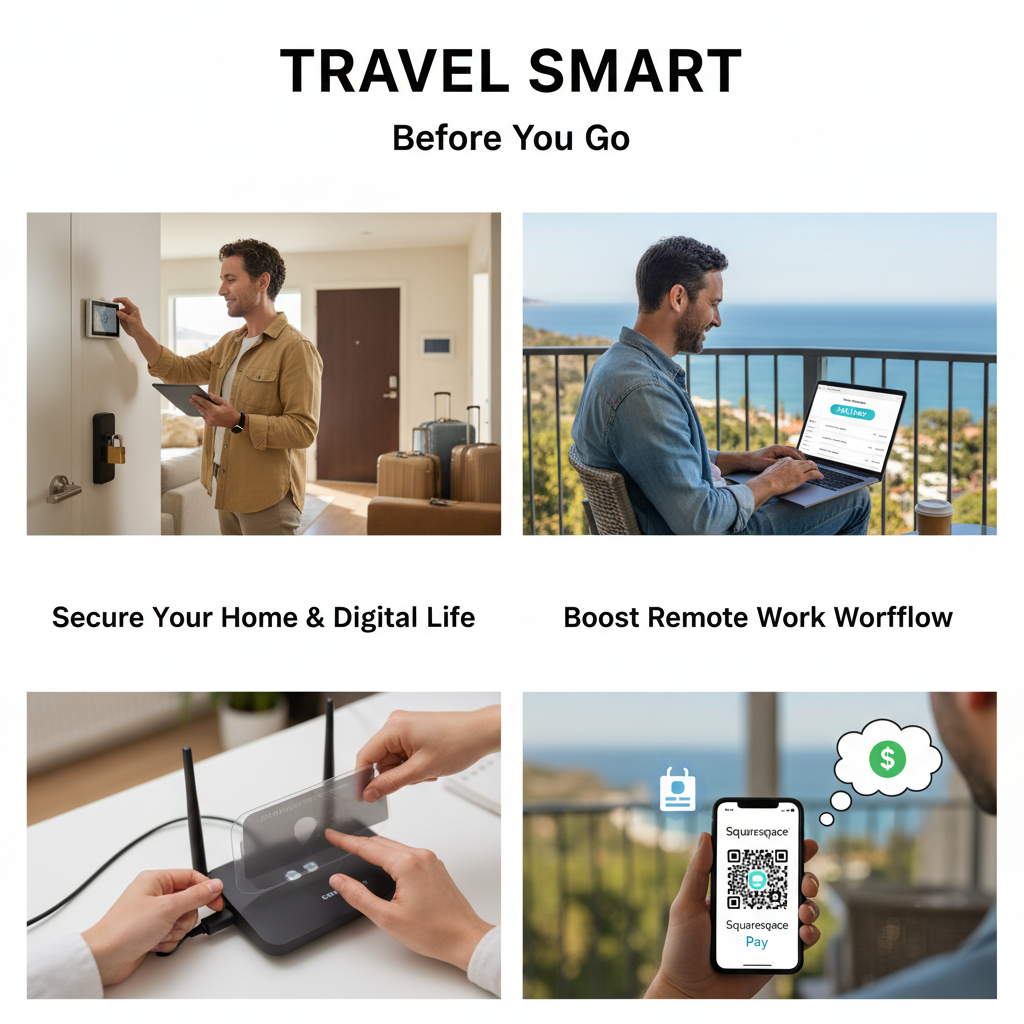
Travel Smart & Work Secure: Your Complete Guide to Protecting Home, Data & Income on the Go
Introduction
Whether you’re jetting off for a tropical escape or logging in from a café in Lisbon, your digital and physical safety should never take a vacation. With cybercriminals targeting travelers more than ever—and smart homes turning into digital doorways—preparedness isn’t optional. The truth? A single weak password, an unsecured Wi-Fi connection, or a careless Instagram post can undo months of hard work. In today’s world, true freedom starts with foresight. This guide walks you through proactive steps to lock down your home, defend your data, and turn remote work tools into powerful, secure revenue enablers—so you can travel without anxiety and earn without compromise.
Fortify Your Home Before You Leave: The Physical Digital Shield
Before you click “book” on your next flight, lock down your physical space like a digital fortress. Start by securing all doors and windows—don’t skip the back entrance just because it’s “out of view.” Activate your home alarm system, and don’t forget the most overlooked device: your router. Regular firmware updates prevent hackers from exploiting known vulnerabilities that allow them to hijack your entire network. Smart plugs that aren’t in use? Turn them off. Even idle devices can be exploited. Use timers to simulate activity—dimmers on lights, coffee machines at dawn—so your house looks lived-in, dissuading real-world thieves.
And here’s a golden rule: never broadcast your plans online. No vacation posts on Facebook. No “Heading to Bali this weekend!” statuses. Even private messages to friends can be harvested or misused. Criminals comb social media for empty homes, and your digital footprint is often the only clue they need.
Stay Safe Online: Avoiding the Hidden Dangers of Public Wi-Fi & Scams
Imagine typing your password into a coffee shop’s free Wi-Fi—while a hacker silently captures every keystroke. This isn’t science fiction. Public networks are prime targets for packet sniffing, where cybercriminals intercept unencrypted data. That email you send from the airport? Your banking details, email logins, and even social media passwords could be recorded in seconds.
Don’t fall for “urgent” alerts either. Fake airline notifications, “payment verification” emails, or messages promising last-minute deals often mimic real brands. They thrive during travel when your guard is down. Always verify the sender’s domain, hover over links instead of clicking, and never scan a random QR code at a transit hub or café. When in doubt, go to the official website manually.
Now, here’s where most people slip: using outdated apps or skipping security updates. A single unpatched app can become your system’s weakest link. Install a trusted, certified Virtual Private Network (VPN) for encrypted browsing—especially when using public networks. Think of a VPN as a private tunnel through the internet’s wild west.
Turn Your Digital Workflow Into a Revenue-Boosting Asset
Remote work isn’t just about location—it’s about efficiency, security, and professionalism. For solopreneurs, freelancers, photographers, coaches, and content creators, the ability to receive payment instantly—anytime, anywhere—can make or break income momentum. Forget clunky email attachments, delayed bank transfers, or complicated invoicing apps.
Enter Squarespace Pay Links: a sleek, no-code tool that lets you create secure, trackable payment URLs in seconds. Share it via WhatsApp, SMS, email, or even as a QR code—perfect for clients you meet in person or on the fly. No third-party fees. No downloads. And it integrates directly with Stripe and Square, so your cashflow stays smooth and secure, no matter your location.
Think of it as your digital handshake with clients—a frictionless, professional way to get paid while you’re sipping iced coffee on a beach in Bali or working from a mountain cabin. You’re not just protecting your assets—you’re maximizing your earning potential, even while your body is miles away from your desk.
And here’s a pro tip: use your Pay Links to create a “client confirmation” workflow. After a call or meeting, send a quick link for payment—automatically recorded, tracked, and branded. This builds trust, reduces follow-up, and keeps your business running like clockwork.
Conclusion
True travel freedom doesn’t mean letting your security slip—it means mastering it. From locking your doors to locking down your data, from avoiding public WiFi traps to using tools like Squarespace Pay Links to keep your income flowing, every action you take is part of a larger digital safety and business resilience strategy.
So before your next trip, pause. Run a quick digital wellness audit: update passwords, scan cloud storage, check social media privacy settings, and test your payment tools. Then, share these tips with colleagues or community members. Because when one person builds smart habits, we all become safer, more confident, and more successful in our digital lives—no matter how far we travel.
What’s your go-to security ritual before a getaway? Share your tips and help build a smarter, stronger digital world—one journey at a time.