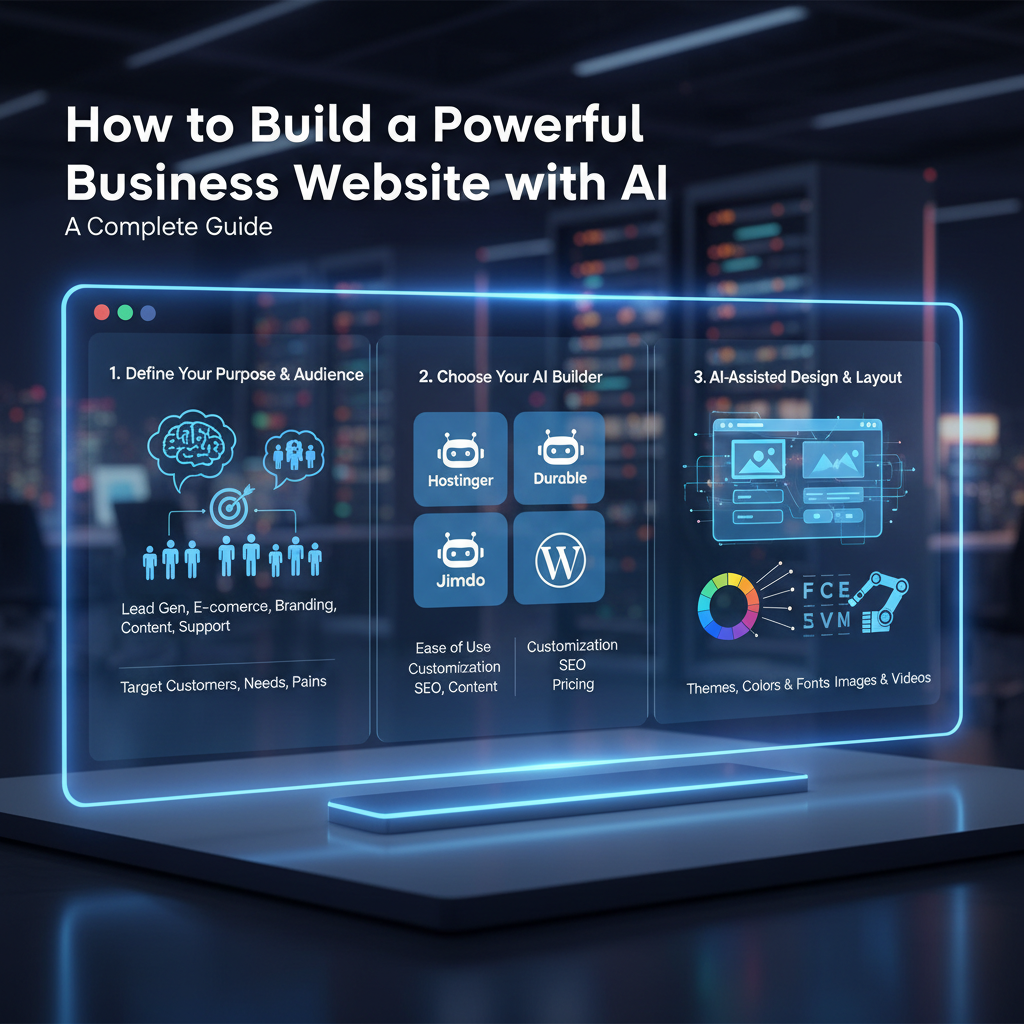
AI Website Builder: A Guide for Your Business
Introduction
An AI website builder is a tool that uses artificial intelligence to generate, design, and manage a professional website from simple text prompts. These platforms streamline the traditionally complex process of web development, empowering you to launch a powerful, feature-rich site without writing a single line of code.
Beyond Web Design: The All-in-One AI Platform
Modern AI-powered tools have evolved far beyond basic page creation. They now function as comprehensive business management dashboards, consolidating tools that once required multiple expensive subscriptions. This integrated approach saves significant time and resources, allowing you to manage core operations from a single, unified backend.
These platforms often include powerful built-in features such as:
- E-commerce Integration: Set up online stores, manage inventory, and process payments directly through your site.
- Marketing Automation: Automatically generate newsletters, schedule social media posts, and deploy chatbots to engage visitors and capture leads 24/7.
- ERP and HR Tools: Some advanced platforms offer Enterprise Resource Planning (ERP) capabilities to handle tasks like payroll, recruitment, and employee time-off requests.
- Built-in SEO: AI tools can analyze content and suggest optimizations to help your site rank higher in search engine results.
By centralizing these functions, an all-in-one platform transforms your website from a simple online brochure into a dynamic engine for business growth. The following video explores the broader concept of leveraging AI to build and scale a business.
How to Create Your Site with an AI Website Builder
The core promise of an AI website builder is its simplicity and speed. The entire web development process is handled by the AI, which interprets your instructions to build a fully functional, mobile-responsive website. This no-code approach democratizes website design, allowing entrepreneurs to focus on strategy and content rather than technical complexities.
Instead of wrestling with drag-and-drop editors or complex code, you simply describe what you want. The AI takes care of the layout, color scheme, font selection, and image placement, delivering a professional design in minutes. This rapid generation allows for quick iteration and experimentation until the site perfectly matches your vision, as demonstrated in the short video below.
Mastering Prompts for a Perfect AI-Built Website
The quality of your final website is directly proportional to the quality of your instructions. This is the art of prompt engineering. To guide the AI effectively, you must provide clear, detailed, and strategic prompts. Vague requests lead to generic results; specific commands produce a tailored, professional website.
Step 1: Define Your Core Brand Identity
Start by providing the AI with a concise summary of your business. Clearly state what you do, who your target audience is, and what makes you unique. For example: “Create a website for ‘GreenLeaf Organics,’ an e-commerce store selling organic skincare to environmentally-conscious women aged 25-45.” This context informs the AI’s decisions on tone and style.
Step 2: Describe Your Desired Aesthetic
Avoid ambiguous words like “modern” or “professional.” Instead, use descriptive language to paint a picture. Specify your desired mood, color palette, and typography. A better prompt would be: “The design should feel earthy and trustworthy. Use a color palette of forest green, beige, and off-white. Use a clean sans-serif font for body text and an elegant serif font for headings.”
Step 3: Outline the Website Structure
Don’t try to generate the entire site at once. Build it page by page. For each page, explicitly list the sections you need. For a homepage, you might prompt: “Create a homepage with the following sections in this order: a full-width hero image with a ‘Shop Now’ button, a ‘Featured Products’ grid, a section on our brand mission, customer testimonials, and a newsletter signup form in the footer.”
This video provides further insight into using prompts and AI tools to structure and build a website efficiently.
Frequently Asked Questions (FAQ)
What is an AI website builder?
An AI website builder is a software tool that uses artificial intelligence to automate the creation of websites. Users provide text-based instructions (prompts), and the AI generates the design, layout, and even initial content, eliminating the need for coding or manual design skills.
Do I need coding experience to use AI for web development?
No, you do not need any coding experience. AI website builders are designed as no-code platforms. Their primary advantage is handling all the technical aspects of website design and development, making it accessible to anyone regardless of their technical background.
How can I ensure my AI-built website is unique?
To get a unique website, you must master prompt engineering. Provide highly specific details about your brand identity, target audience, desired color schemes, font styles, and page structure. The more detailed your prompts, the more customized and unique your final website will be.
Are websites made with AI good for SEO?
Yes, many AI-powered platforms are designed with SEO in mind. They often include tools for keyword optimization, automatic meta tag generation, and mobile-responsive design, which are all crucial factors for ranking well on search engines like Google.
Conclusion
AI website builders represent a paradigm shift in digital presence, offering a fast, cost-effective, and powerful alternative to traditional web development services. By integrating business management, e-commerce, and marketing automation into one platform, they provide an unparalleled solution for entrepreneurs. The key to unlocking this potential lies in crafting clear and strategic prompts. By mastering this skill, you can command the AI to build not just a website, but a comprehensive digital headquarters for your brand.